Stop Wasting Time Searching: 7 Ways to Make Sales Content Instantly Accessible

You know that feeling when a customer asks about a competitor and you're pretty sure there's a battlecard somewhere, but you can't find it, and by the time you do find something it might be outdated, so you just wing it?
That's the sales content problem in miniature. Organizations create enormous amounts of content—case studies, battlecards, one-pagers, product sheets—and reps can't find any of it when they actually need it.
Industry research (from Aberdeen, IDC, and others) consistently finds that reps spend significant time searching for content. The exact numbers vary by study and methodology, and frankly some of the commonly cited statistics are hard to verify. But the pattern is clear: most sales content goes unused, not because it's bad but because reps can't find it or don't trust that what they find is current.
The solution isn't better search or more content. It's fundamentally rethinking how content reaches reps.
1. Fewer Documents, Better Maintained
The Problem with Content Volume
Most organizations have a content problem disguised as a search problem. When you have 10,000 documents across 5 systems, no search tool can help.
Consider:
- Multiple versions of the same document
- Outdated content mixed with current
- Marketing content that doesn't work for sales
- Redundant materials created by different teams
More content = more search time, not less.
The 100-Document Discipline
The most effective enablement programs maintain roughly 100 essential pieces of content:
Product Knowledge (15-20 pieces):
- Core positioning and value props
- Key features and use cases
- Technical architecture overview
- Integration capabilities
Customer Proof (15-20 pieces):
- Top case studies by segment/industry
- ROI metrics and benchmarks
- Reference customer profiles
- Success story templates
Competitive Intelligence (5-10 pieces):
- Head-to-head positioning
- Competitive battlecards
- Win/loss insights
- Counter-messaging guides
Sales Process (10-15 pieces):
- Discovery question frameworks
- Objection handling scripts
- Pricing and negotiation guides
- Proposal templates
Personas and Segments (5-10 pieces):
- ICP definitions
- Buyer persona profiles
- Industry-specific messaging
- Use case templates
How to Curate
- Audit: Inventory everything that exists
- Analyze: Check usage data—what do reps actually access?
- Eliminate: Archive anything not accessed in 6 months
- Consolidate: Merge redundant content
- Assign: Every piece gets an owner responsible for currency
The goal: 100 pieces of content that are expertly maintained vs. 10,000 pieces that are mostly ignored.
2. Organize by Use Case, Not Source
The Typical (Failing) Structure
Most content libraries are organized by who created the content:
- Marketing folder
- Product folder
- Sales folder
- Competitive folder
This makes sense for content creators but fails for content consumers. When a rep needs a fintech case study for a CFO conversation, they don't care if Marketing or Product created it.
Use-Case-Based Organization
Reorganize content around how it's used:
By Deal Stage:
- Early stage: Discovery aids, qualification criteria
- Mid stage: Case studies, ROI tools, technical docs
- Late stage: Pricing, negotiation, competitive positioning
By Persona:
- Technical buyer: Architecture, integration, security
- Business buyer: ROI, case studies, value propositions
- Executive: Strategic vision, reference calls, exec summaries
By Situation:
- Competitive deal: Battlecards, win stories, positioning
- Objection response: Counter-messaging, proof points
- Industry-specific: Vertical case studies, compliance info
Implementation
Create a content matrix:
| Stage | Technical Buyer | Business Buyer | Executive |
|---|---|---|---|
| Early | Tech overview | Business case template | Exec summary |
| Mid | Architecture doc | ROI calculator | Reference call list |
| Late | Security questionnaire | Pricing guide | Contract terms |
Then tag all content accordingly. Reps find content by context, not by creator.
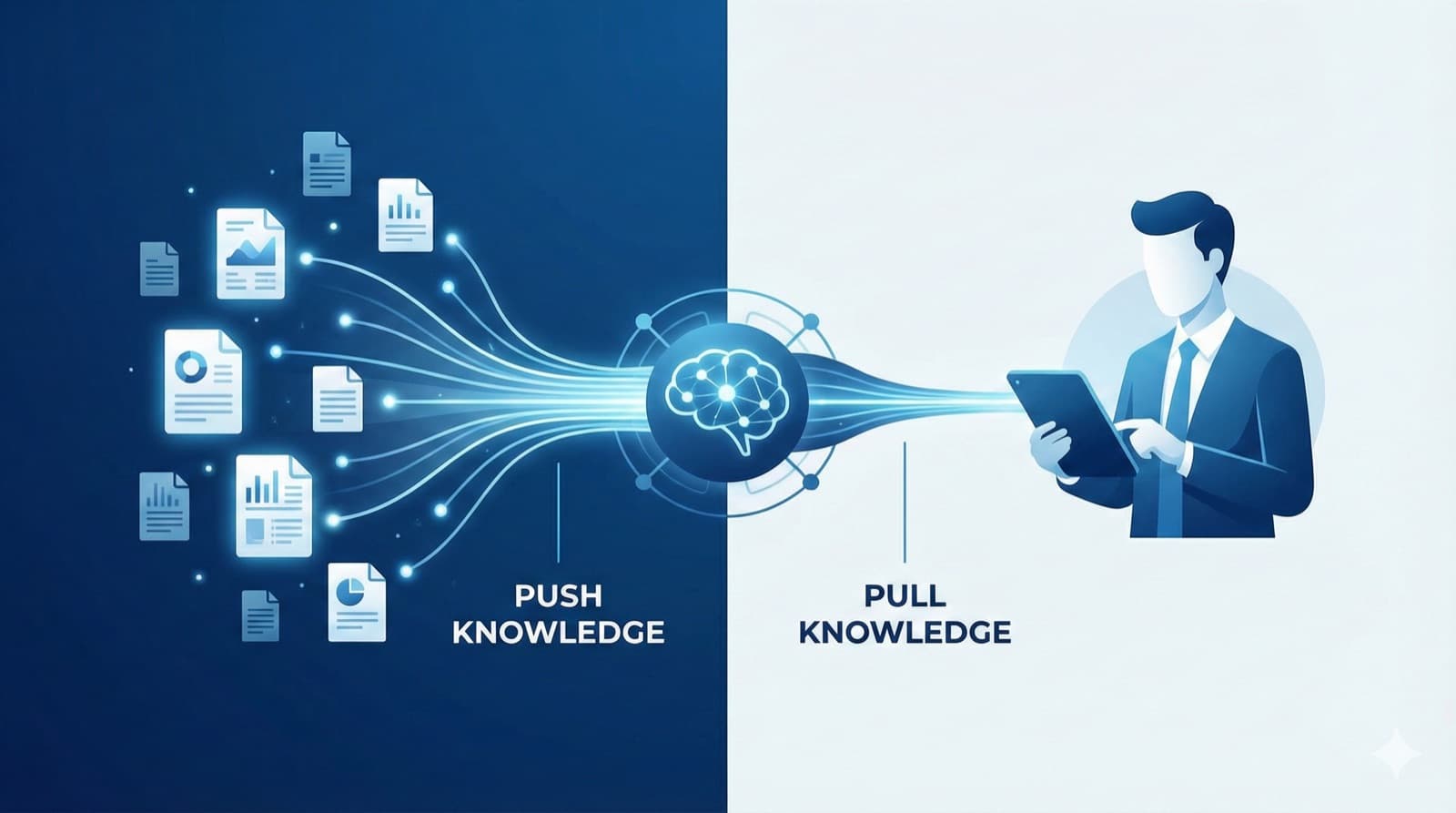
3. Push Content, Don't Make Reps Pull
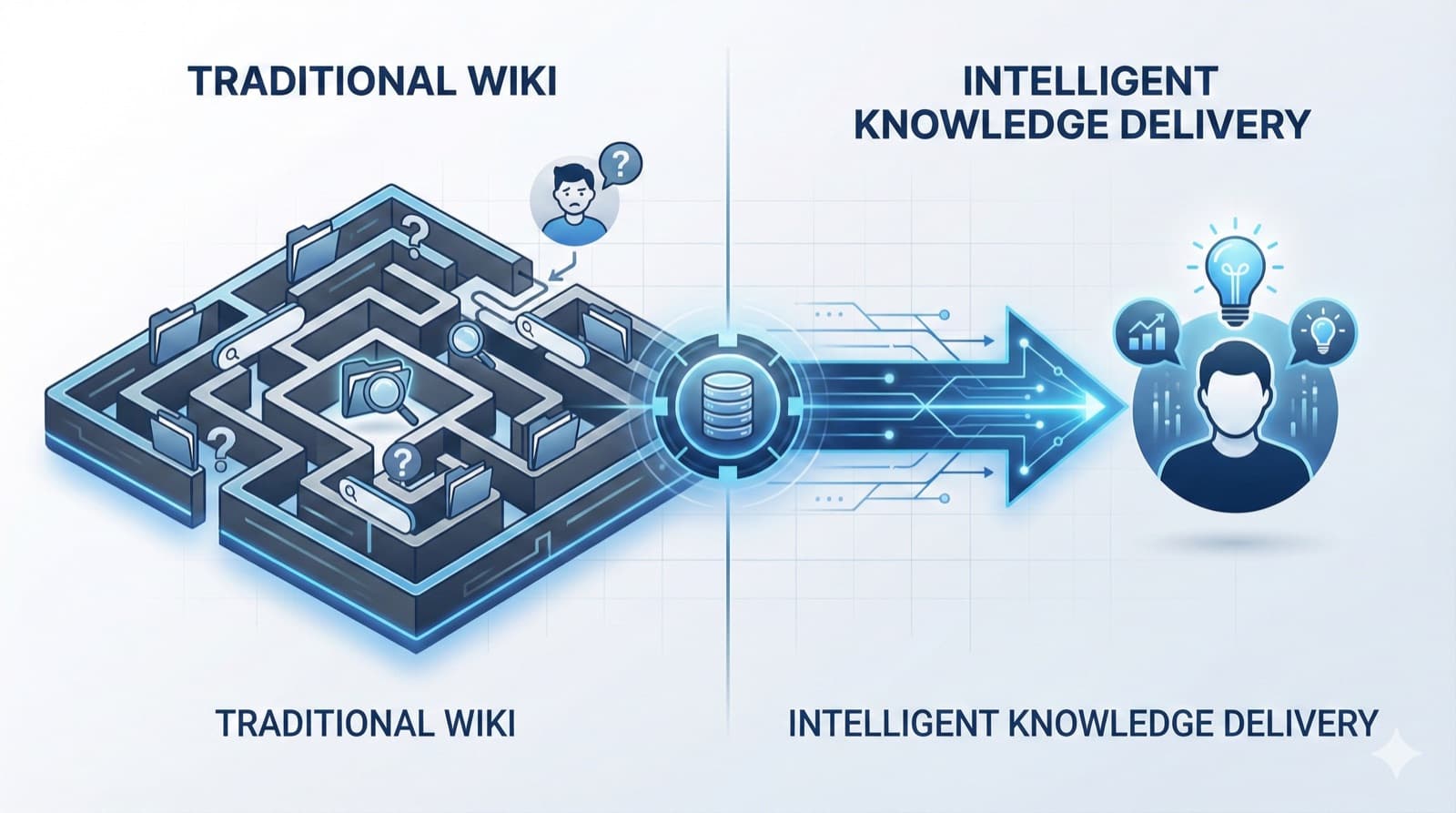
The Search Paradigm is Broken
Traditional approach: Reps search for what they need. Problem: They have to know what exists, find it, and evaluate if it's right.
New approach: System pushes relevant content based on context. Benefit: Right content arrives without searching.
Context-Driven Content Delivery
Content can be pushed based on:
Deal signals:
- Competitor mentioned → Battlecard delivered
- Enterprise deal → Security documentation surfaced
- Healthcare prospect → HIPAA compliance content pushed
Meeting context:
- Meeting with CFO → ROI calculator and exec case study
- Technical deep-dive → Architecture documentation
- Negotiation call → Pricing flexibility guide
Stage movement:
- Opportunity advances to evaluation → Send comparison guides
- Moving to legal review → Push contract FAQs
Technology Requirements
To push content effectively, you need:
- CRM integration: Know deal context (stage, industry, competitors)
- Calendar integration: Know meeting context (who's attending, purpose)
- Content tagging: Know what content matches which context
- Delivery mechanism: Get content to reps before/during meetings
Modern GTM Intelligence platforms automate this entirely.
4. Make Content Searchable in Conversation
The Live Call Problem
The biggest content gap isn't before the meeting—it's during.
Scenario: Customer asks about integration with System X. Traditional response: "Let me get back to you on that." What happens: Rep loses momentum, follow-up gets delayed, competitor answers faster.
Real-Time Content Access
Reps need to access content during live conversations:
Product Q&A:
- "What's our integration story for Legacy System X?"
- "What's our SLA for enterprise customers?"
- "How does pricing work for multi-year deals?"
Objection handling:
- "They're saying we're too expensive. What's the response?"
- "They're worried about implementation time. What do we tell them?"
Competitive positioning:
- "Competitor just came up. What's our positioning?"
- "What do we say about their new feature announcement?"
Implementation Options
Low-tech: Well-organized searchable wiki with keyboard shortcuts Medium-tech: Slack bot that retrieves content on command High-tech: AI assistant that understands natural language queries
The key is speed—if it takes more than 10 seconds, reps won't use it live.
5. Assign Clear Ownership and Review Cycles
The Maintenance Fantasy
Every organization believes content will be maintained. Few actually maintain it.
What should happen:
- Content updated when product changes
- Old versions archived
- Regular accuracy reviews
- Usage analytics inform updates
What actually happens:
- Original creator moved to different role
- No one owns the update
- Outdated content remains "current"
- Reps lose trust in all content
The Ownership Model
Every piece of content needs:
| Element | Requirement |
|---|---|
| Single owner | Named individual (not team) |
| Review cadence | Monthly, quarterly, or per release |
| Retirement criteria | When content is no longer needed |
| Update trigger | What changes require updates |
Example cadence:
- Pricing: Monthly review
- Competitive: Monthly update
- Case studies: Quarterly review
- Product features: With each release
Enforcement
- Add "Last Reviewed" dates visible to all users
- Auto-archive content not reviewed in 6 months
- Tie content ownership to performance reviews
- Make content accuracy a team KPI
6. Track What Gets Used—and What Wins
Beyond Page Views
Most organizations track content views but not content outcomes:
What's typically tracked:
- Document opens
- Time on page
- Search queries
What should be tracked:
- Content used in won deals
- Content used in lost deals
- Content shared with customers
- Content requested but not found
The Content Effectiveness Framework
| Metric | Question Answered |
|---|---|
| Usage rate | Is this content being accessed? |
| Context correlation | When is it accessed? (stage, persona, etc.) |
| Win correlation | Is usage associated with wins? |
| Feedback rating | Do reps find it valuable? |
Acting on Insights
High usage, low win rate: Content is easy to find but not effective—improve quality Low usage, high win rate: Content works but isn't discoverable—improve access High usage, high win rate: Double down—this is your best content Low usage, low win rate: Retire it—it's not helping
7. Use AI to Bridge the Gap
The Promise of AI Content Access
AI can transform content accessibility by:
- Understanding intent: Knowing what rep needs without exact keywords
- Synthesizing answers: Combining multiple sources into coherent response
- Contextualizing: Tailoring content to specific deal situation
- Proactively delivering: Pushing content before reps know they need it
Practical AI Applications
Meeting prep automation:
- AI reviews upcoming meeting
- Pulls relevant case studies, objection responses, competitive intel
- Generates briefing document tailored to specific opportunity
Live Q&A:
- Rep asks question during call
- AI searches knowledge base
- Returns synthesized answer in seconds
Content recommendations:
- Based on deal stage, persona, industry
- AI suggests most relevant content
- Learns from what reps actually use
Implementation Considerations
Not all AI is equally useful:
- Generic AI (ChatGPT): Can hallucinate; doesn't know your products
- Trained AI: Learns your content; provides accurate answers
- Integrated AI: Connects to CRM, calendar; understands full context
The most effective solutions combine your content with deal context to deliver truly relevant answers.
The Transformation in Practice
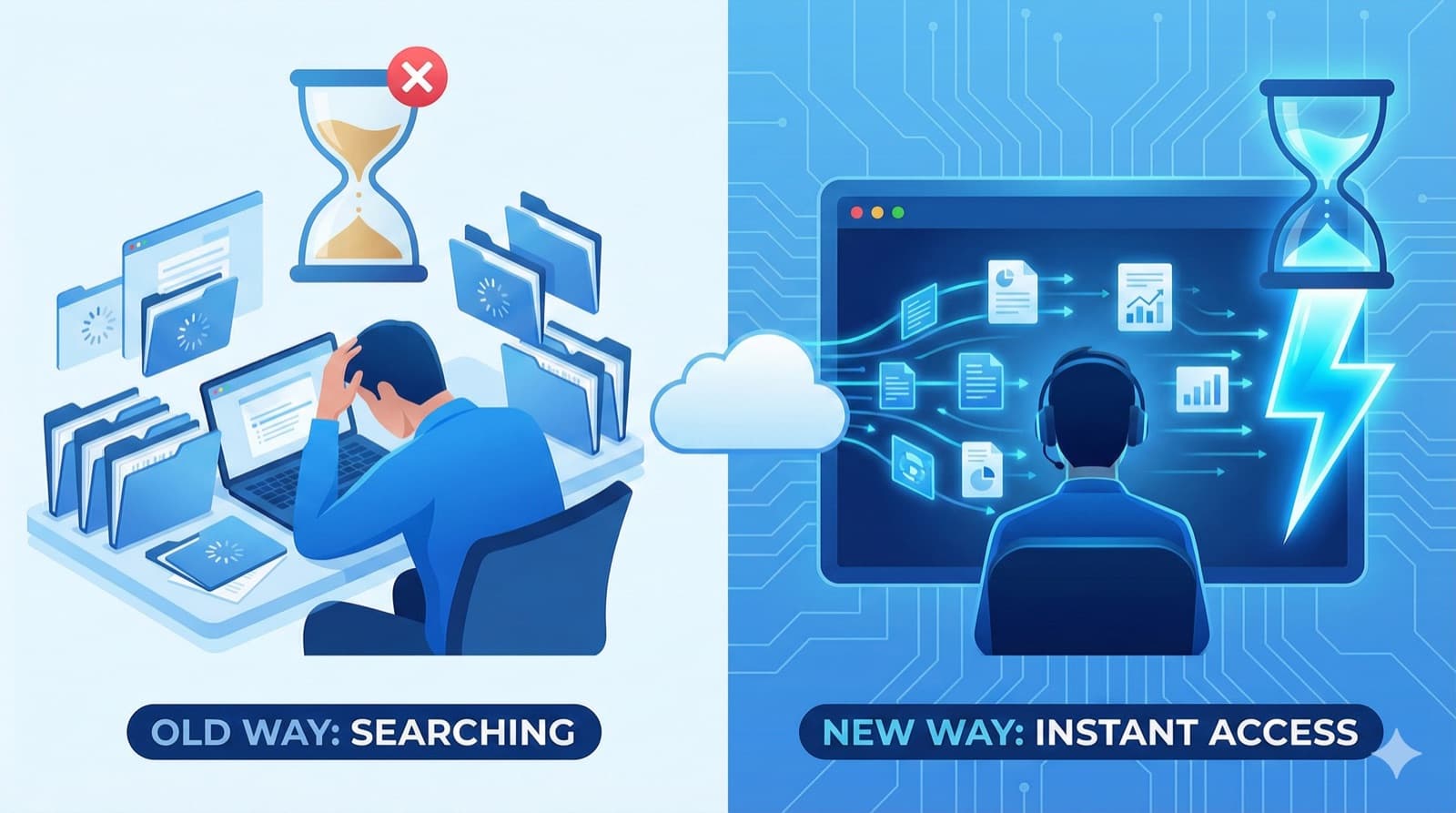
Before: The Search Struggle
- 10,000 documents across 5 systems
- Average search time: 8 minutes
- Most content over 6 months old
- "Where's the latest X?" is the #1 Slack question
- Reps create their own "personal" content libraries
After: Instant Access
- 100 curated pieces, expertly maintained
- Content surfaces automatically in context
- Weekly ownership reviews keep everything current
- Reps trust what they receive
- Searching becomes the exception, not the rule
The Impact
| Metric | Before | After |
|---|---|---|
| Prep time per meeting | 45 minutes | 10 minutes |
| Content confidence | 40% | 90% |
| Time recovered per rep/week | - | 8+ hours |
| "Where's the X?" questions | Daily | Rare |
Getting Started: Your Action Plan
Week 1: Audit
- Inventory all content locations
- Check usage data for top/bottom performers
- Survey reps: What can't they find?
Week 2: Curate
- Identify essential ~100 pieces
- Assign owners to each
- Archive unused content
Week 3: Reorganize
- Build use-case-based taxonomy
- Re-tag content for context delivery
- Update navigation/search
Week 4: Automate
- Implement content push mechanisms
- Set up tracking for usage and outcomes
- Consider AI-powered access tools
Ongoing: Maintain
- Weekly content reviews
- Monthly usage analysis
- Quarterly content audit
What Changes When Content Works
When we talk to teams that feel like content is working, a few patterns emerge:
They've curated aggressively. They can point to the 50-100 pieces that matter and tell you who owns each one. They've decided that maintaining less content well beats having more content poorly maintained.
They've shifted from "reps search" to "content surfaces." Meeting prep automatically includes relevant case studies. Competitive intel appears when competitors are mentioned. This requires integration work, but it eliminates the "I couldn't find it" problem.
They've accepted that maintenance is ongoing work. Content has owners, review cycles, and retirement dates. When someone asks "is this current?" there's a clear answer.
None of this is revolutionary. The challenge is doing it consistently—which is harder than it sounds when you're also trying to hit quarterly numbers.
RevWiser delivers relevant content to reps in context—before meetings, during calls, throughout deals—without requiring search. If your content isn't reaching reps, see how we approach it.
RevWiser Team
Content writer at RevWiser, focusing on go-to-market strategies and sales enablement.