How to Audit Your Sales Knowledge Base: 5-Step Checklist

Quick exercise: go to your sales knowledge base right now and search for "case study." How many results do you get? How many are duplicates? How many were last updated more than a year ago? How many are from people who no longer work at your company?
If your experience matches what we see at most organizations, the answer to all of these is "too many."
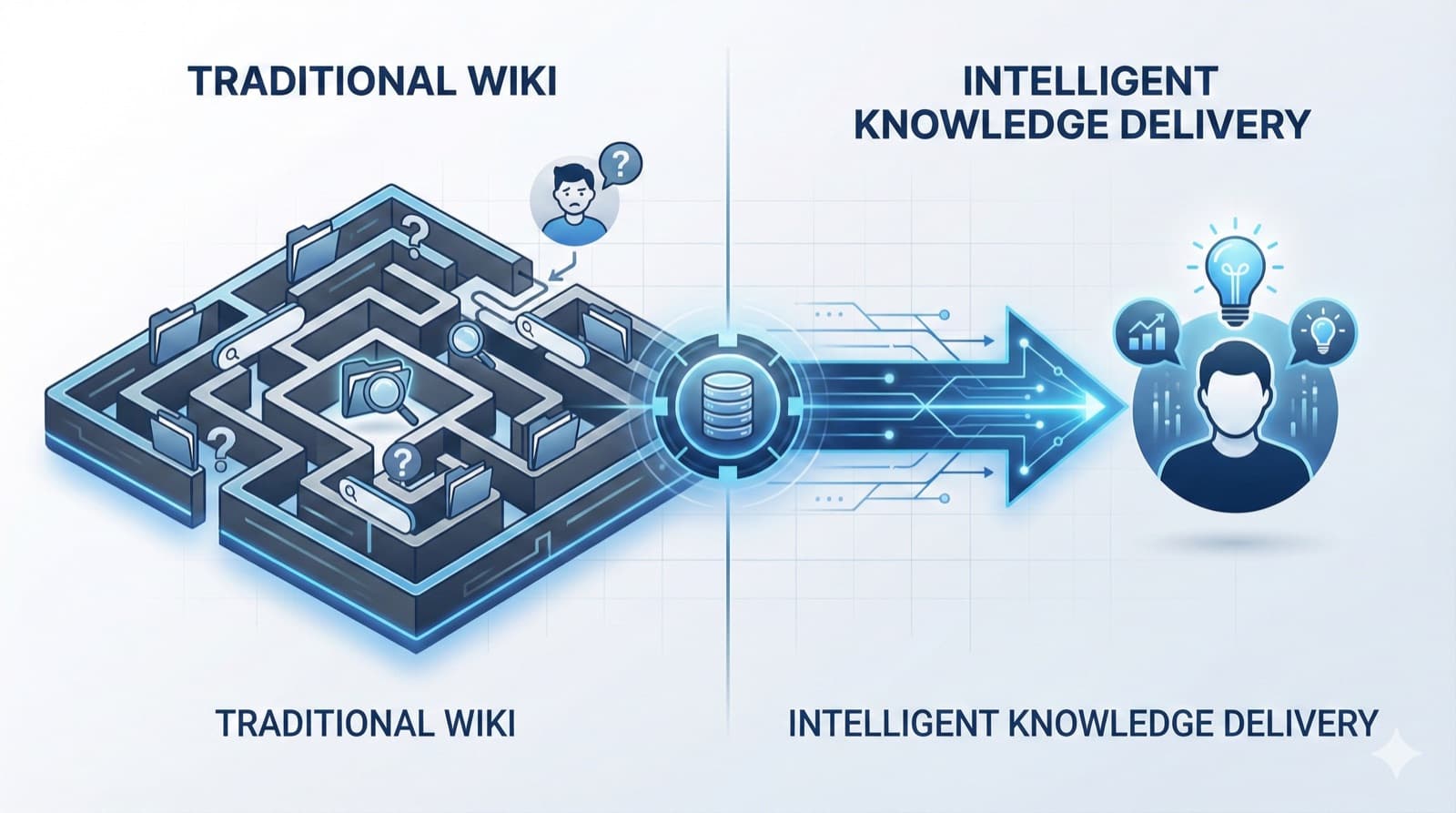
Knowledge bases fail sales teams not because the concept is wrong, but because they accumulate without maintenance. Content goes in, rarely comes out, and over time the signal-to-noise ratio makes the whole thing unusable.
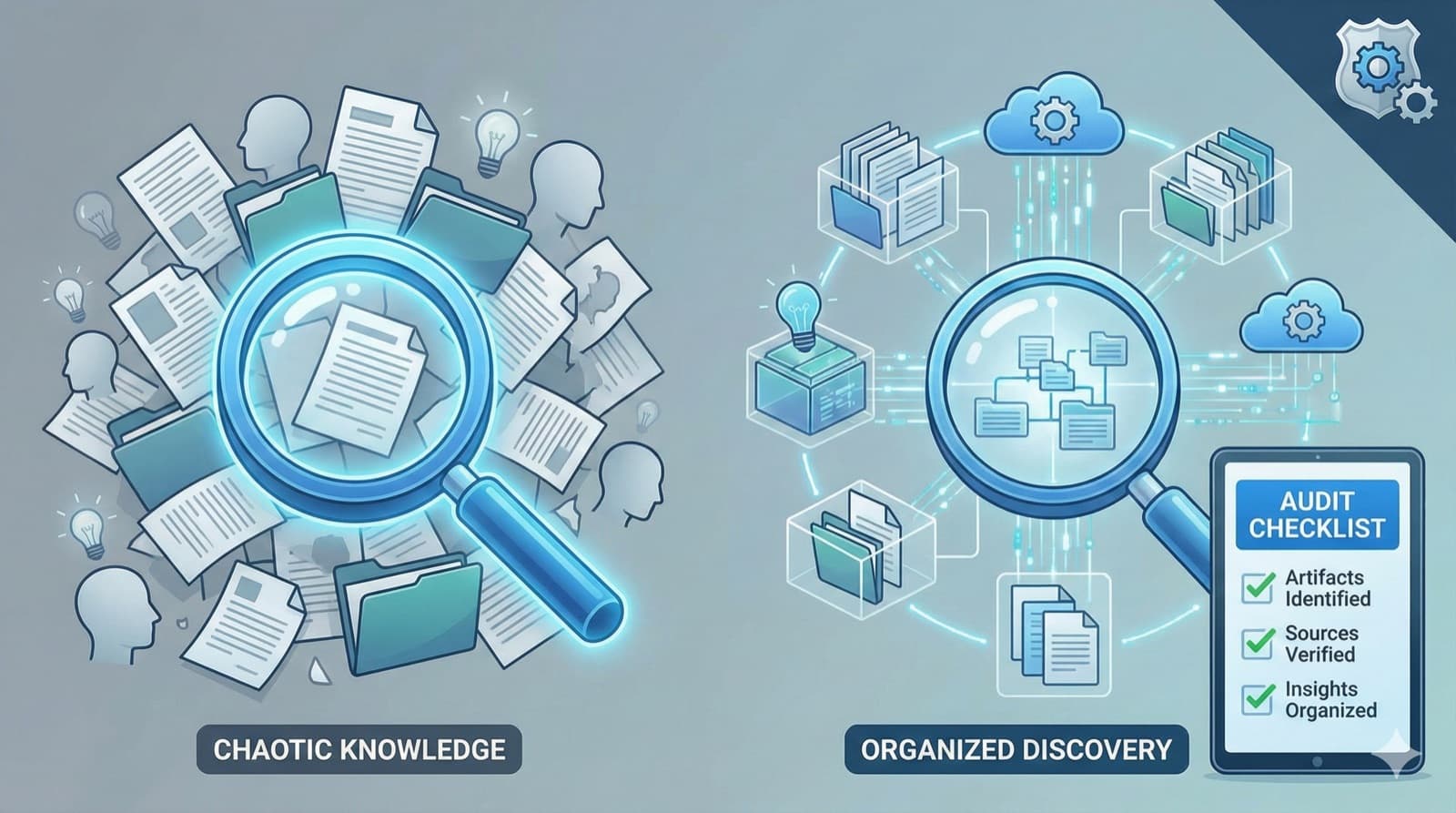
This guide is a practical framework for auditing what you have, identifying what's missing, and building something that actually helps reps sell.
The Three Failure Modes
The Accumulation Problem
- Content is added but rarely removed
- No one owns content lifecycle
- Search results become increasingly noisy
The Trust Problem
- Reps can't tell if content is current
- Multiple versions cause confusion
- Bad experiences lead to avoidance
The Tribal Knowledge Problem
- Best practices live in top performers' heads
- New hires can't access what veterans know
- When experts leave, knowledge walks out the door
An audit reveals where these problems exist—and how severe they are.
Step 1: Inventory Everything
What to Document
Create a comprehensive inventory of all sales-related content:
| Content Type | Location(s) | Owner | Last Updated |
|---|---|---|---|
| Product documentation | |||
| Sales playbooks | |||
| Case studies | |||
| Competitive intel | |||
| Pricing/packaging | |||
| Objection handling | |||
| Email templates | |||
| Proposal templates | |||
| Training materials | |||
| Demo scripts |
Where to Look
Don't limit yourself to the official knowledge base:
Formal systems:
- Confluence/Notion
- Google Drive/SharePoint
- Sales enablement platform
- CRM attachments
- LMS/training system
Informal locations:
- Slack channels
- Email folders
- Personal drives
- Bookmark collections
- Tribal knowledge (documented nowhere)
Inventory Questions
For each content piece:
- What is it? (Type and purpose)
- Where does it live? (Location/URL)
- Who created it? (Are they still here?)
- When was it created/updated?
- Is there a designated owner?
- Are there other versions?
Tools for Inventory
- Spreadsheet for tracking
- Content crawling tools
- CMS reports
- Search analytics
Goal: Complete list of all content, regardless of where it lives.
Step 2: Analyze Usage Data
What the Data Tells You
Usage data reveals what reps actually value:
| Data Point | What It Indicates |
|---|---|
| High views, low engagement | Clickbait title, unhelpful content |
| Low views, high engagement | Hidden gem—improve discoverability |
| Decreasing views over time | May be outdated or superseded |
| Search queries with no results | Content gaps |
| Frequently downloaded | High-value, consider featuring |
Key Metrics to Pull
From your knowledge base:
- Page views by document
- Time on page
- Download counts
- Search queries
- Search queries with no results
- Most/least viewed content
From your CRM:
- Content attached to opportunities
- Content in won vs. lost deals
- Content usage by rep performance
From surveys/interviews:
- What content do reps use daily?
- What can't they find?
- What do they recreate because they can't find it?
Creating a Usage Score
Score each piece of content:
| Factor | Score |
|---|---|
| Accessed in last 30 days | +2 |
| Accessed in last 90 days | +1 |
| Not accessed in 6 months | -2 |
| Shared with customers | +2 |
| Used in won deals | +3 |
| Multiple versions exist | -1 |
| No designated owner | -1 |
High scores: Core content to maintain Low scores: Candidates for archival or update
Step 3: Assess Content Quality
The Freshness Check
For each content piece:
| Question | Yes/No | Action |
|---|---|---|
| Is the information accurate today? | Update if no | |
| Does it reflect current product? | Update if no | |
| Does it reflect current pricing? | Update if no | |
| Does it reflect current messaging? | Update if no | |
| Are screenshots/demos current? | Update if no | |
| Is the owner still in this role? | Reassign if no |
The Usefulness Check
| Question | Assessment |
|---|---|
| Does this help reps sell? | Essential / Helpful / Marginal / Useless |
| Is the format practical? | Easy to use / Needs work / Wrong format |
| Is it findable? | Well-tagged / Poorly discoverable |
| Is there redundant content? | Unique / Duplicative |
The Trust Check
Ask 5 reps:
- Would you use this in a customer conversation? (Yes/No)
- Do you trust this content is current? (1-5)
- Have you had to verify this content independently? (Yes/No)
- Would you send this to a customer? (Yes/No)
Average trust score < 3 = Content needs attention.
Step 4: Identify Tribal Knowledge Gaps
This is where most audits fall short. You've inventoried what exists—now identify what doesn't exist but should.
The Interview Protocol
Interview 5 top performers and 5 new/struggling reps:
For top performers:
- What do you know that newer reps don't?
- What questions do newer reps ask you most?
- What do you do differently in [discovery/demo/negotiation]?
- What objections do you handle differently than others?
- What "rules of thumb" guide your selling?
For newer/struggling reps:
- What information do you wish you had?
- What do you ask colleagues that should be in the knowledge base?
- Where do you get stuck in the sales process?
- What do top performers do that you don't understand?
- What took longest to figure out?
Common Tribal Knowledge Gaps
| Gap Type | Example | Impact |
|---|---|---|
| Winning patterns | Which discovery questions actually advance deals | Lower win rates |
| Objection nuances | When "too expensive" means something else | Lost deals |
| Stakeholder navigation | How to identify and engage the real decision maker | Longer cycles |
| Competitive tactics | What to do when Competitor X is involved | Competitive losses |
| Product intuition | Which features to lead with for which use cases | Misaligned demos |
| Deal timing | When to push vs. when to pause | Deal slippage |
Documenting the Gaps
For each gap identified:
- What knowledge is missing?
- Who has this knowledge?
- How critical is it? (High/Medium/Low)
- What's the impact of not having it?
- How should it be captured?
Step 5: Create the Action Plan
Content Triage Matrix
Plot each content piece:
| High Usage | Low Usage | |
|---|---|---|
| High Quality | ✅ Feature prominently | 📢 Improve discoverability |
| Low Quality | 🔄 Update urgently | 🗑️ Archive |
The Essential 100
From your audit, identify the ~100 pieces of content that are:
- Actively used by reps
- High quality and current
- Essential for selling
These form your core content library.
Archive Candidates
Content to archive (not delete):
- Not accessed in 6+ months
- Superseded by newer versions
- Created by people no longer at company
- No clear owner
- Duplicate content
Update Priorities
Content needing updates:
- High usage but outdated
- Frequently accessed but low trust
- Critical topic but poor quality
- Multiple versions needing consolidation
Tribal Knowledge Capture Plan
For each gap identified:
| Gap | Knowledge Holder | Capture Method | Timeline |
|---|---|---|---|
| Discovery questions that work | Sarah (top AE) | Recorded interview | Week 1 |
| Fintech objection handling | Mike (industry expert) | Written playbook | Week 2 |
| Competitor X positioning | Sales team (crowdsource) | Workshop | Week 3 |
Audit Deliverables
At the end of your audit, you should have:
1. Content Inventory Report
| Metric | Count |
|---|---|
| Total content pieces | X |
| Content with no owner | X |
| Content not updated in 1+ year | X |
| Duplicate/redundant content | X |
| Content in unofficial locations | X |
2. Usage Analysis
| Category | Finding |
|---|---|
| Most used content | List top 10 |
| Least used content | List bottom 10 |
| Highest search queries | List top 10 |
| Searches with no results | List common gaps |
3. Quality Assessment
| Quality Rating | Count | % of Total |
|---|---|---|
| Current and high-quality | X | X% |
| Needs minor updates | X | X% |
| Needs major updates | X | X% |
| Should be archived | X | X% |
4. Tribal Knowledge Gaps
| Gap | Priority | Owner | Target Date |
|---|---|---|---|
| Gap 1 | High | Name | Date |
| Gap 2 | High | Name | Date |
| Gap 3 | Medium | Name | Date |
5. Action Plan
| Action | Owner | Timeline | Success Metric |
|---|---|---|---|
| Archive outdated content | Enablement | Week 1 | X pages archived |
| Update priority content | Content owners | Week 2-4 | X pages updated |
| Capture tribal knowledge | Enablement | Week 2-6 | X gaps documented |
| Assign content owners | Enablement | Week 1 | 100% ownership |
| Establish review cadence | Leadership | Week 4 | Schedule in place |
Post-Audit: Maintaining the System
Ownership Model
Every content piece needs:
- Named owner (individual, not team)
- Review frequency (monthly, quarterly, per release)
- Update triggers (what changes require updates)
- Retirement criteria (when to archive)
Review Cadence
| Content Type | Review Frequency |
|---|---|
| Pricing | Monthly |
| Competitive intel | Monthly |
| Product features | Per release |
| Case studies | Quarterly |
| Process docs | Quarterly |
Ongoing Metrics
Track monthly:
- Content usage trends
- Search queries with no results
- Content freshness (% updated in last 90 days)
- Rep satisfaction scores
- Tribal knowledge capture progress
Common Audit Pitfalls
1. Inventory Without Action
Problem: Creating lists but not changing anything Solution: Set specific deadlines and owners for each action
2. Focusing Only on Formal Systems
Problem: Missing content in Slack, personal drives, email Solution: Survey reps on where they actually get information
3. Ignoring Tribal Knowledge
Problem: Auditing only what's documented Solution: Structured interviews to surface unwritten knowledge
4. One-Time Exercise
Problem: Audit happens once, then situation degrades Solution: Establish ongoing governance and metrics
5. No Executive Sponsorship
Problem: Audit reveals problems but no resources to fix Solution: Present ROI case (ramp time, search time, deal impact)
What Success Looks Like
We want to be realistic about outcomes. Knowledge base audits are necessary but not sufficient. You'll end up with a clearer picture of what you have, what you need, and what's missing—but the ongoing work of maintaining and delivering content is separate.
The companies we've seen get this right share a few characteristics:
They've accepted that less is more. They'd rather have 50 pieces of content that are definitely current than 500 where nobody knows which ones to trust.
They've made ownership concrete. Every document has a name attached (not a team), with a review date that means something.
They've shifted focus from "content exists" to "content is used." Tracking what reps actually access—and what they're searching for but not finding—informs ongoing decisions.
The audit is step one. Building sustainable systems is the longer project.
Where to Start
This week: Search your knowledge base for a few common terms (case study, pricing, competitor). Count duplicates and outdated content. This quick exercise will tell you whether you need a light refresh or major overhaul.
This month: If the quick check reveals serious problems, run the full audit outlined above. Prioritize inventory and usage data first—you need to know what exists and what's actually used before making decisions about what to keep.
This quarter: Based on audit findings, curate to a maintainable set, assign ownership, and build review cadences. The goal is a system that stays useful over time, not a one-time cleanup that degrades again.
RevWiser goes beyond static knowledge bases to deliver content to reps when they need it—in meeting prep, during calls, throughout deals. If your knowledge base isn't working, see how we approach it differently.
RevWiser Team
Content writer at RevWiser, focusing on go-to-market strategies and sales enablement.